01
You scroll.
Pick the apps to watch and your time limit. Until you hit it, nothing changes.
App blocker for iPhone
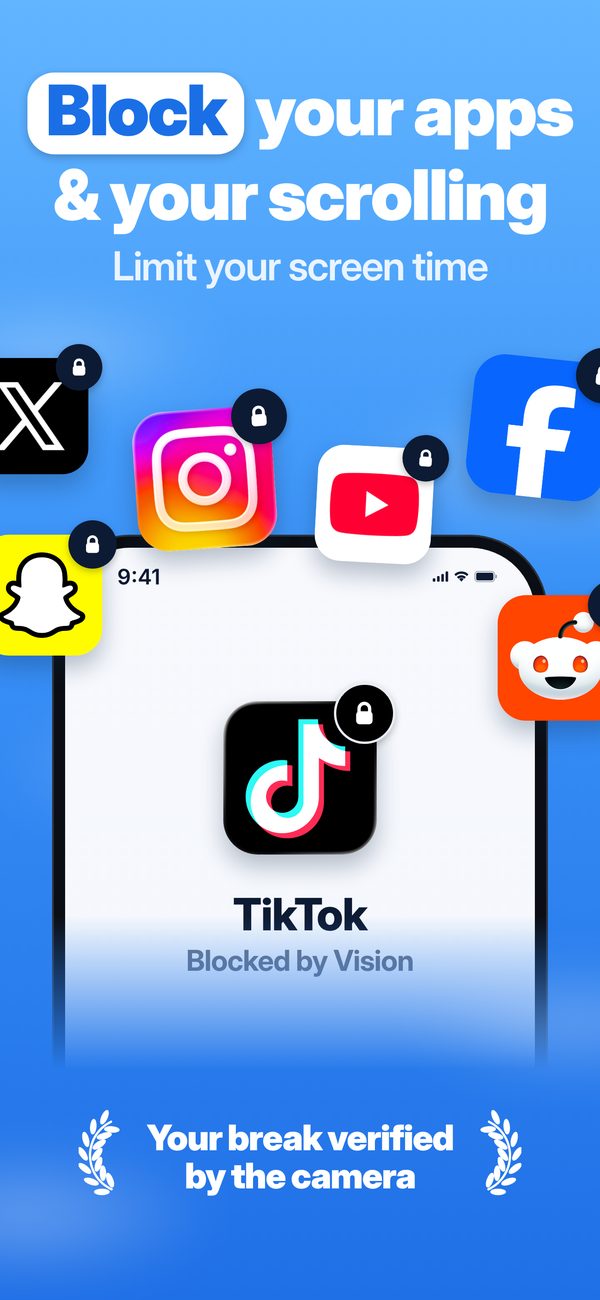
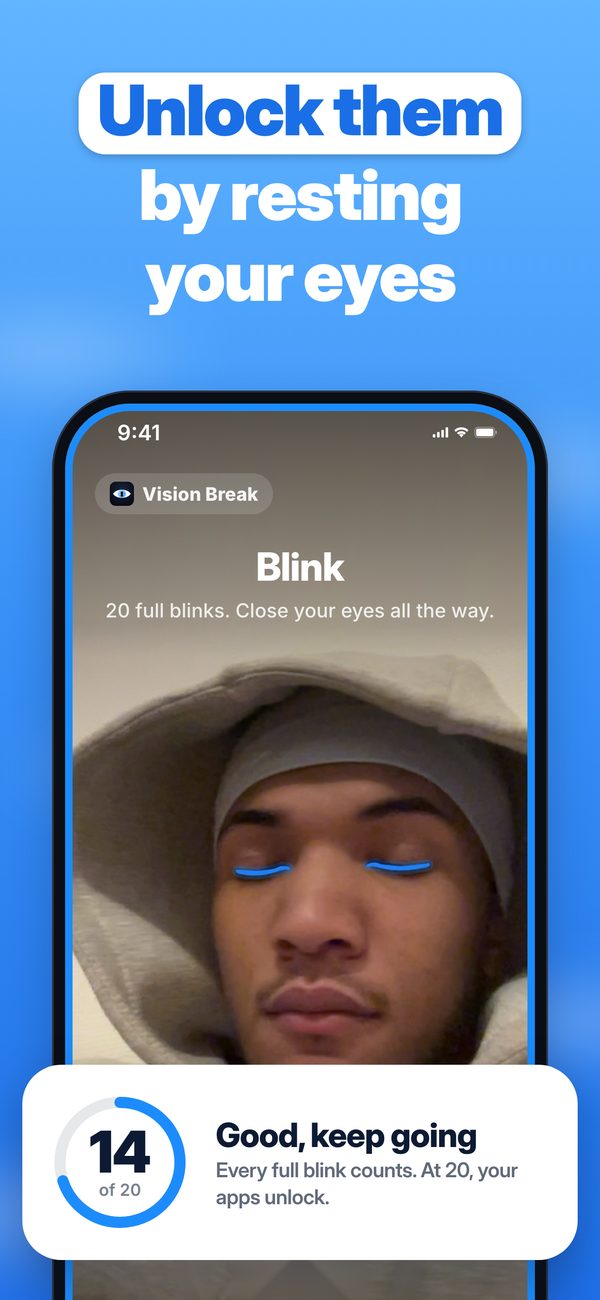
Hit the limit you set and TikTok, Instagram or YouTube lock. To get back in, you take a real break for your eyes. The camera checks. There’s no “Ignore” button.

7-day free trial
The feed never ends. Vision Break gives it one.
An ending you pick yourself, one that gives your eyes some air several times a day.
How it works
01
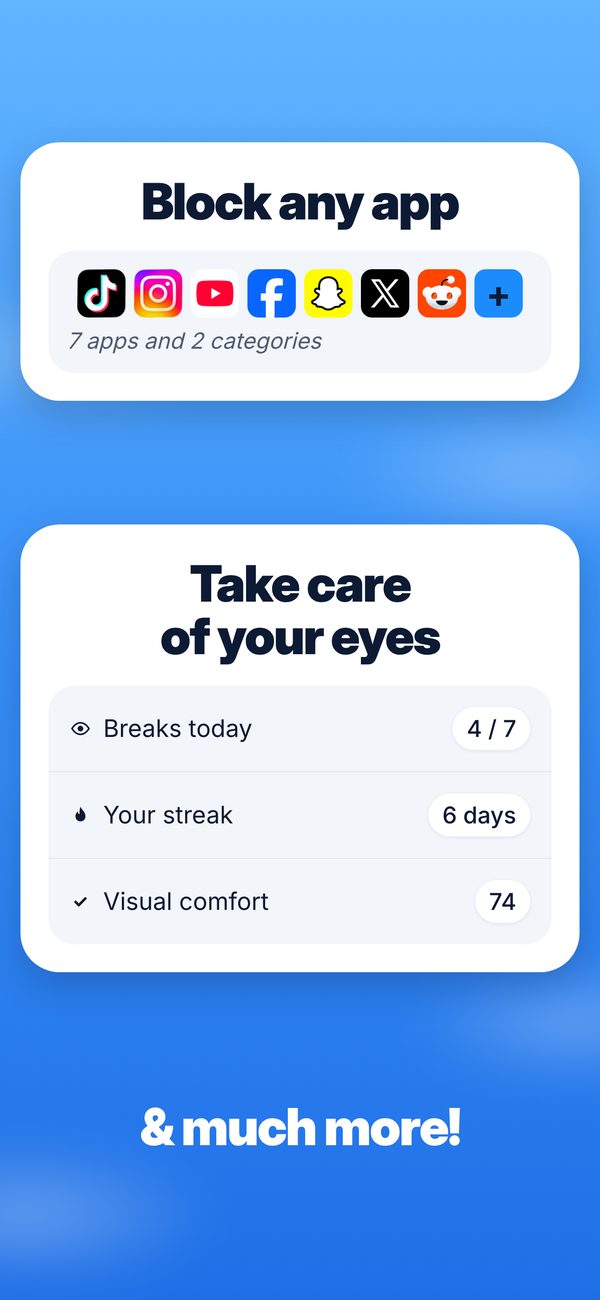
Pick the apps to watch and your time limit. Until you hit it, nothing changes.
02
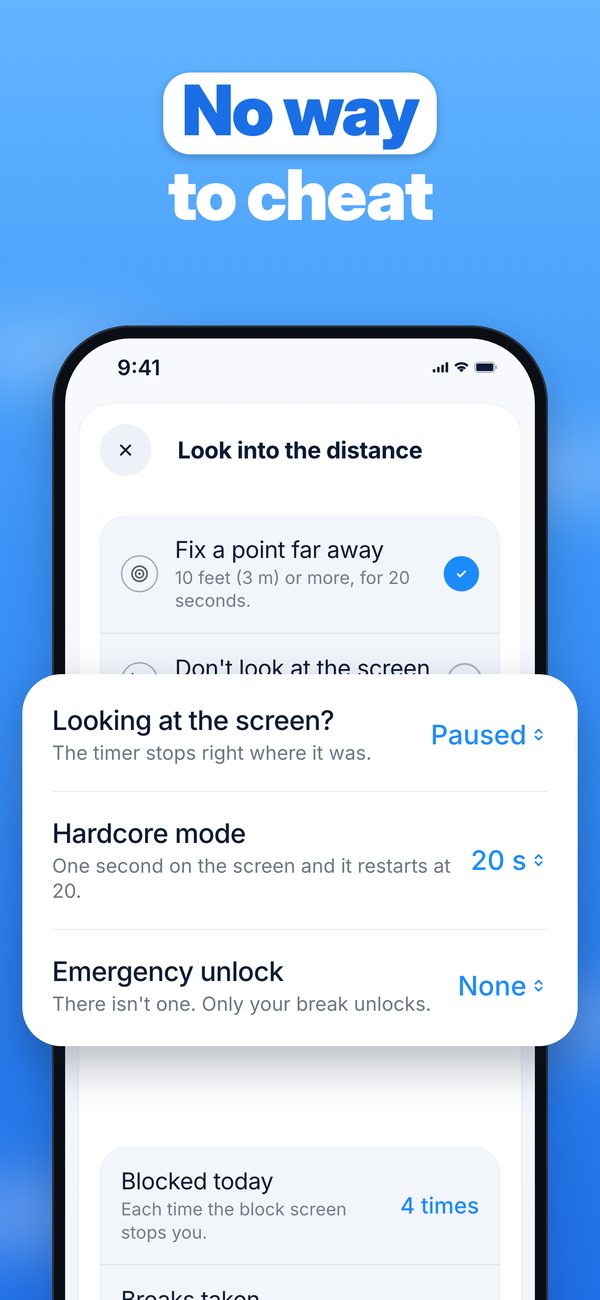
Limit reached: the app shuts behind a block screen. No “Ignore” button, no “5 more minutes”.
03
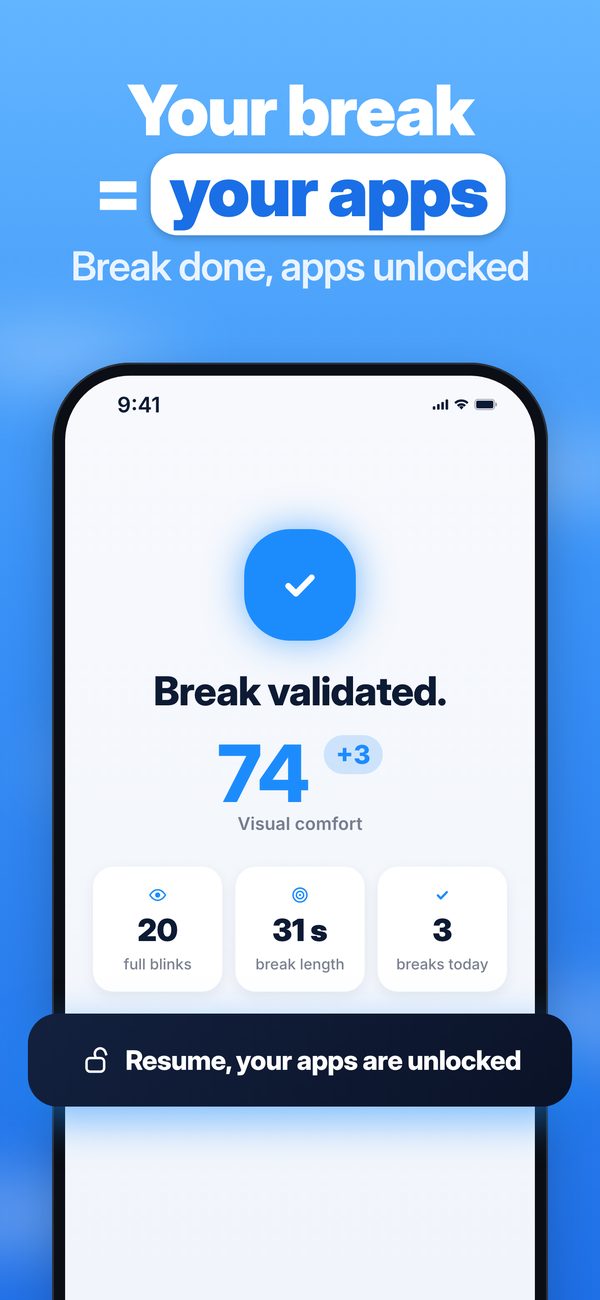
Blink, look into the distance, or close your eyes. Your iPhone camera makes sure you really do it. Then your apps reopen.
What changes
One video, then another, then an hour is gone. The block cuts the scroll when you decided, not when your thumb gets tired.
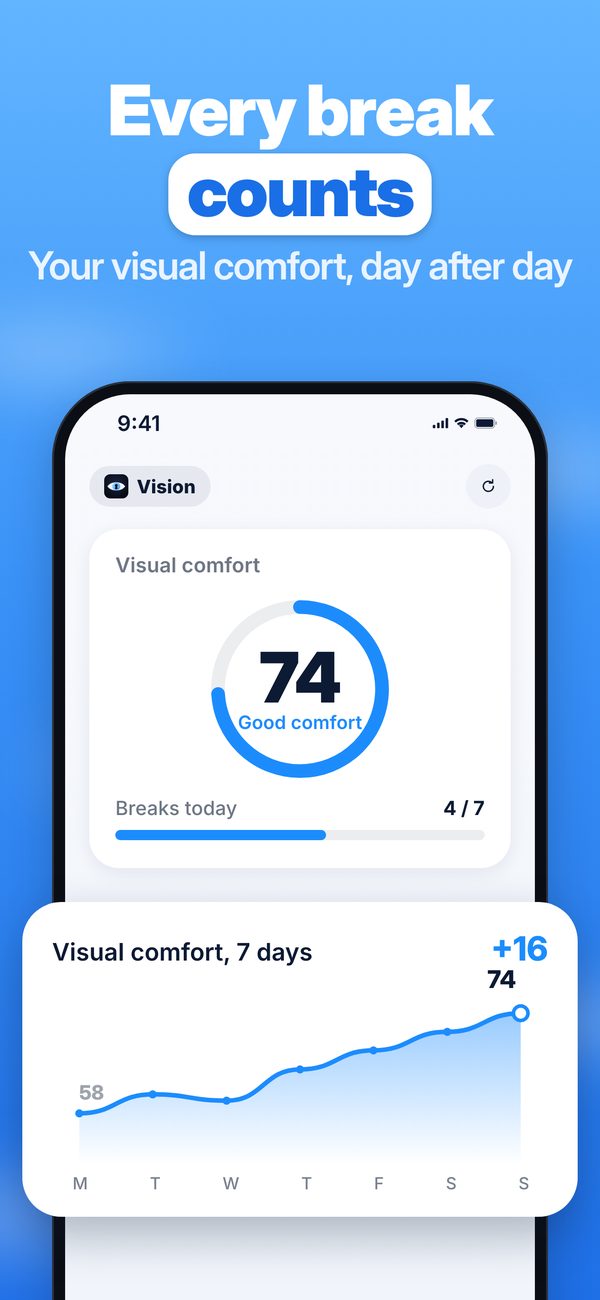
You only get one pair. Every block turns into a real break for them, several times a day, without even thinking about it.
Blocking levels
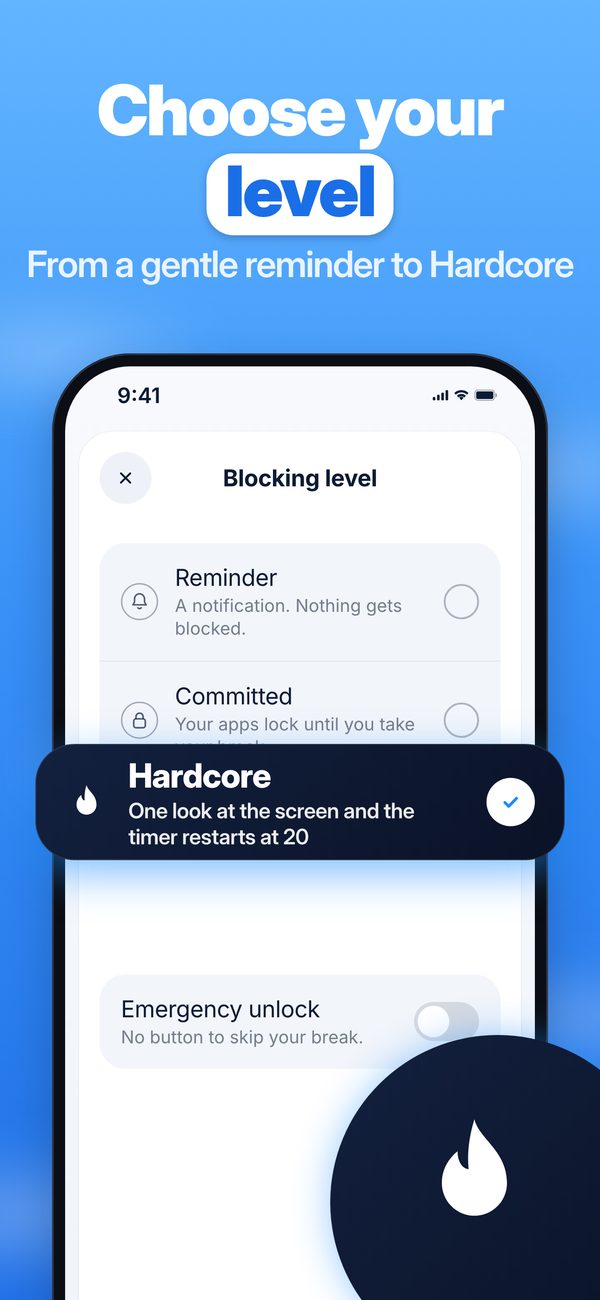
From a gentle nudge to no mercy at all. Switch whenever you like.
Just a notification when you’ve stacked up too much screen time. Nothing gets blocked, you stay 100% free. Perfect to start gently.
Your apps get blocked, and the camera checks that you really take your break. The timer stops if you look at the screen.
Same, but one second on the screen and the timer starts over. For the days you’d give in.
Why your eyes
Our screen habits have changed. Our care habits haven’t caught up. Vision Break turns your screen time into breaks for your eyes.
Look up from your screen and rest your eyes on something far away for 20 seconds. We’ll count.
Inside the app
Vision Break runs on a subscription, Vision +, yearly or monthly. The yearly plan starts with a 7-day free trial (one trial per Apple account). Everything goes through your App Store account: you manage it and cancel it anytime in your iPhone settings. Apple handles payment, so we never see your card details.
No. During your break, the front camera only follows your eyes: where you’re looking, when you blink. The analysis happens on your iPhone, frame by frame, and each frame is dropped right away. Nothing is saved, nothing is sent.
The camera turns on when your break starts and off when it ends.
The ones you pick: TikTok, Instagram, YouTube, Snapchat, X, Reddit, or whole categories. You choose them through Screen Time, Apple's own tool, right on your iPhone.
You can always delete the app. But as long as it's there, only your break unlocks: no “Ignore” button, no emergency unlock. In Committed mode, the timer stops if you look at the screen. In Hardcore, it starts over.
Vision Break is an iPhone app, for iOS 17 or later.
No. Vision Break helps you take regular breaks, that's all. It doesn't replace advice from an eye doctor. If discomfort sticks around, see a health professional.
No. No account, no ads, no trackers. Your settings and progress stay on your iPhone, and in your iCloud so you don't lose them if you switch phones. The details are in the privacy policy.

Try Vision Break free for 7 days.
Look far away.
Not at the screen.
Rest your eyes on the farthest point you can find. Let them relax, blink whenever you want.
Done.
In the app, the camera checks. Here, we trust you. Now picture that a few times a day, instead of one more video.